A beautiful, lightweight Jupyter Notebook viewer for desktop.
Windows • Linux • macOS — built with Electron.
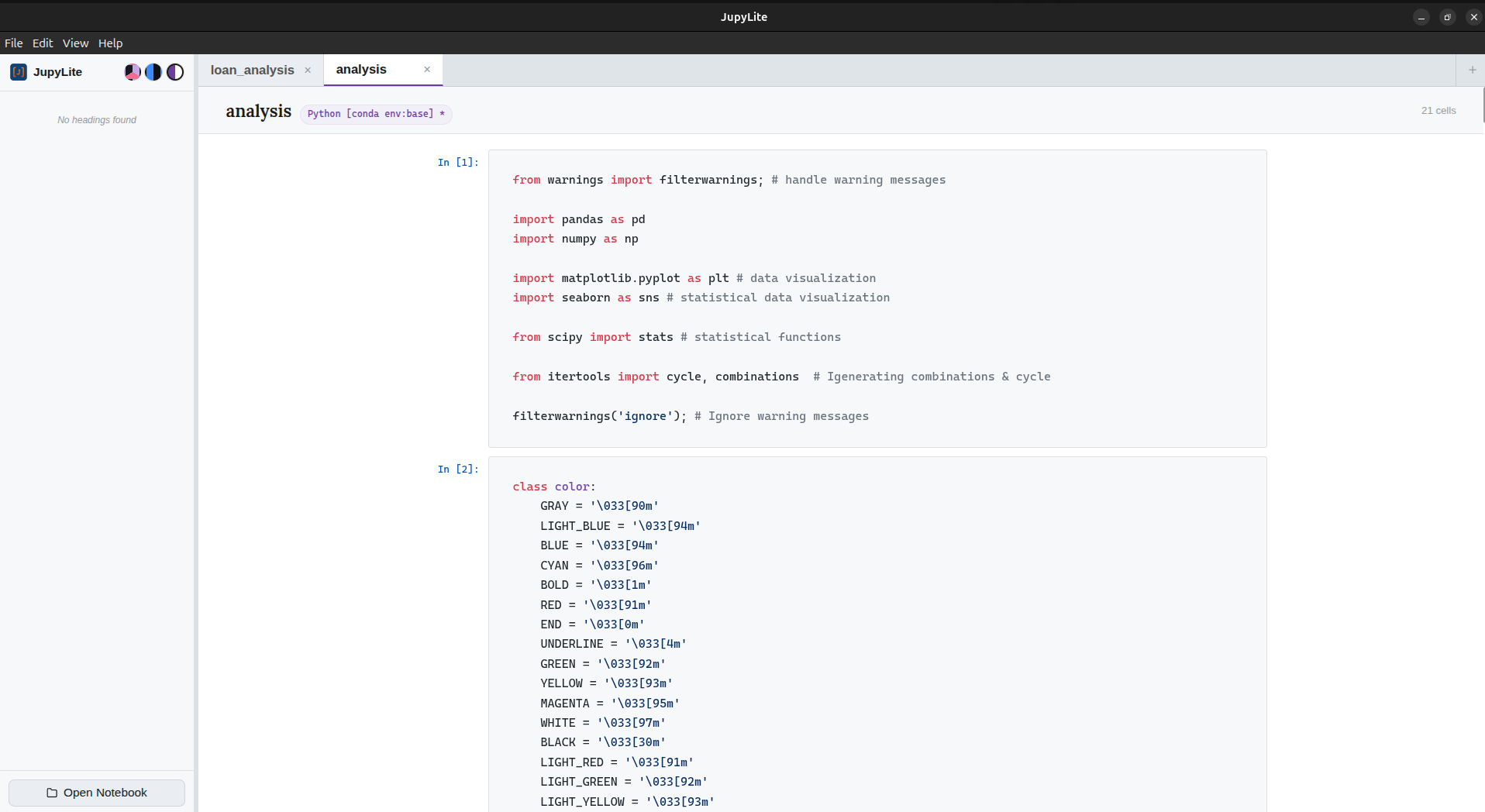
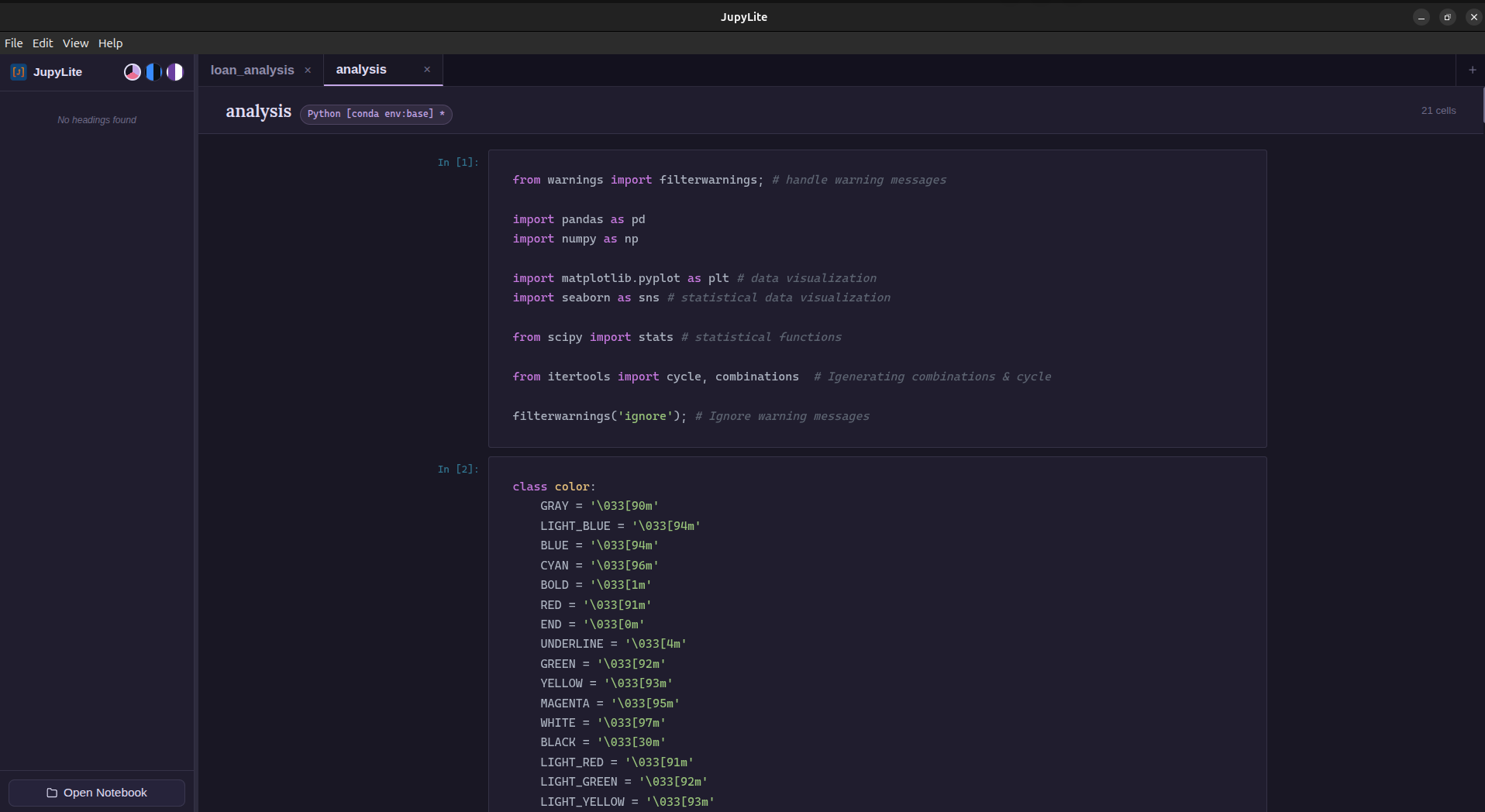
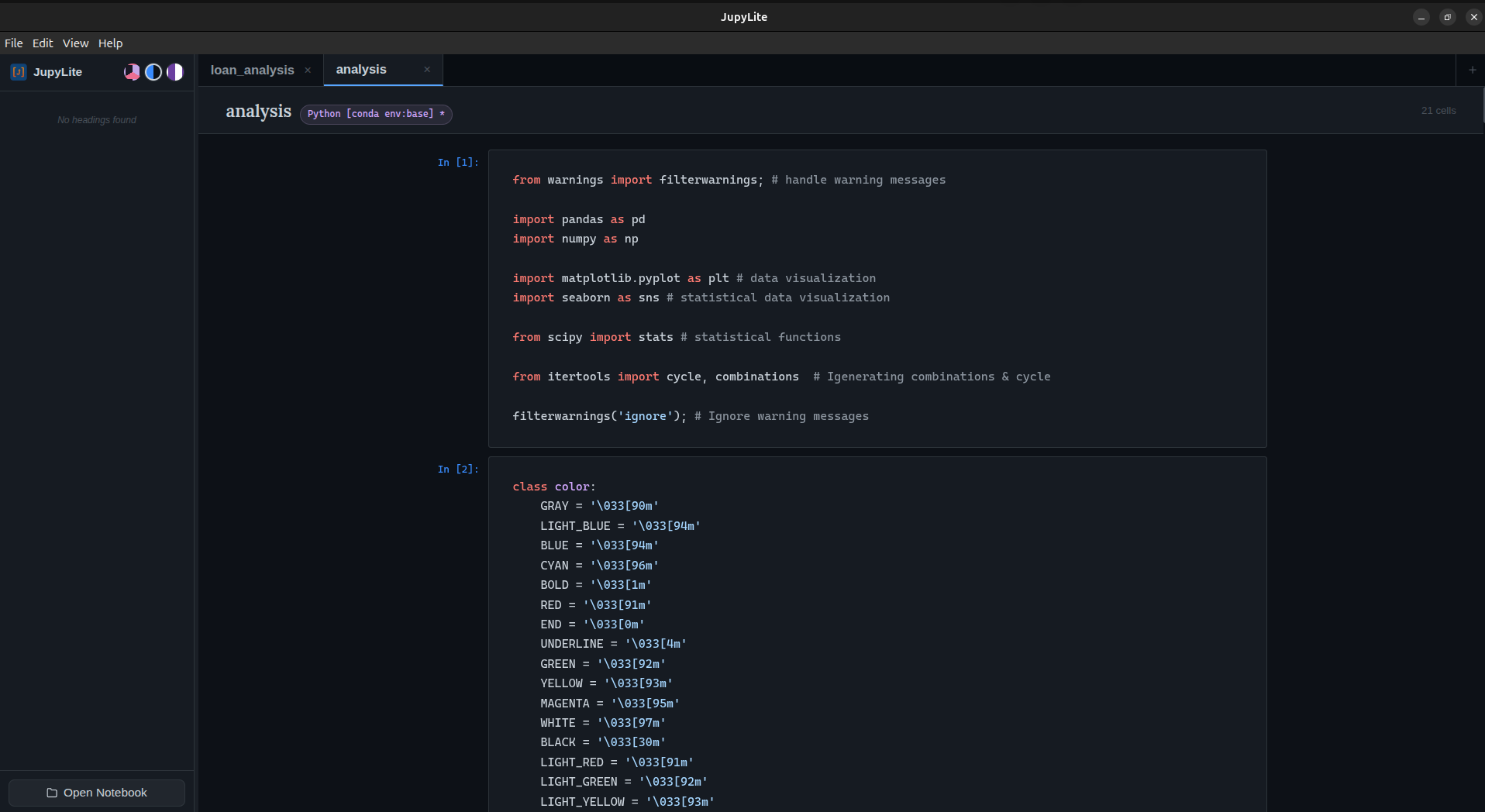
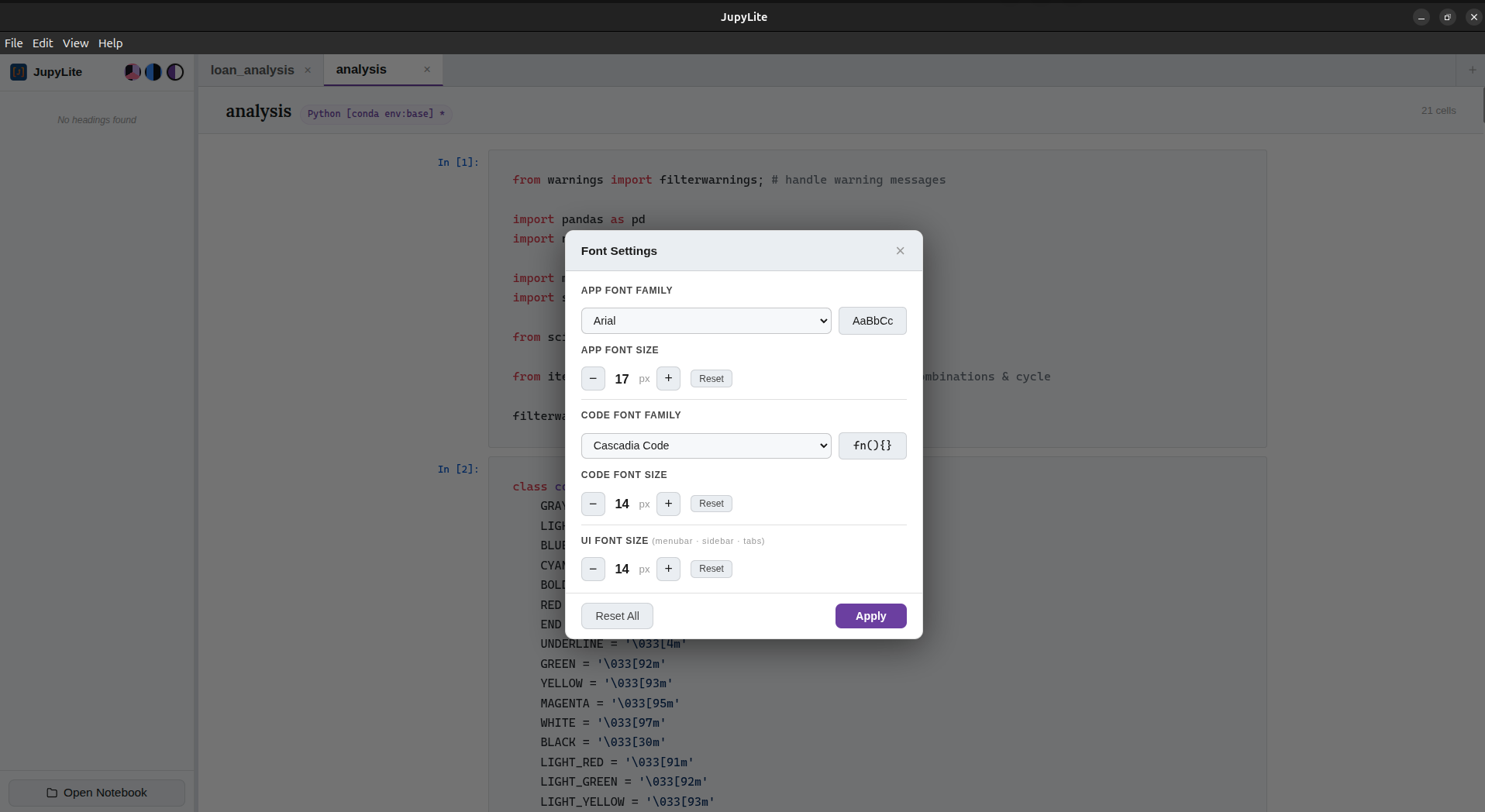
Real screenshots from JupyLite — all three themes, multi-tab, and font settings
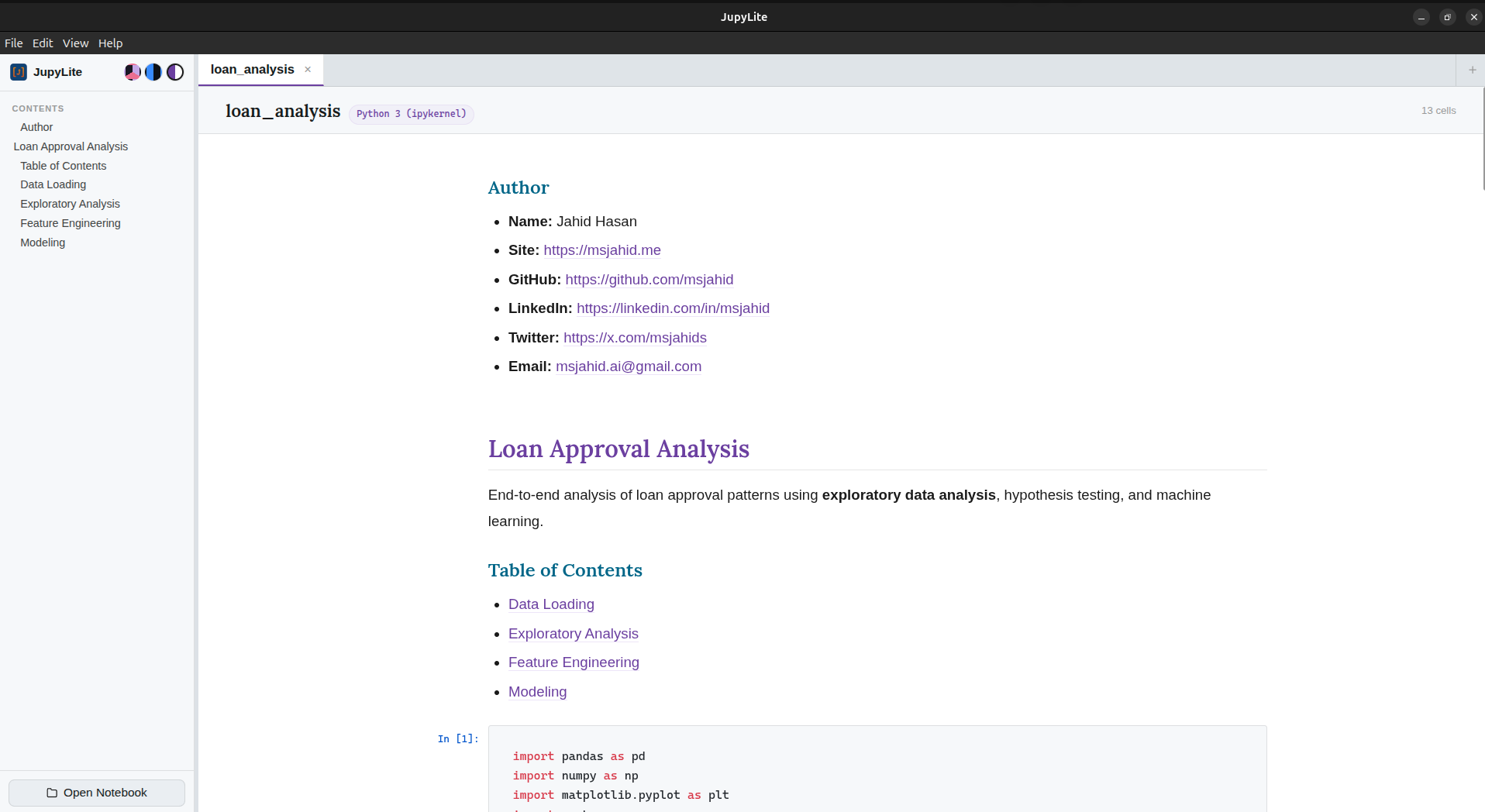
Everything you need to view Jupyter Notebooks beautifully
Zoom the entire application interface — every element scales together, not just text.
Open multiple .ipynb files as tabs in one window. Double-click another file — opens as a new tab, never a new window.
Rosé Pine (dark), Dark, and Light. Switch instantly from sidebar dots or Ctrl+Shift+1/2/3.
Real-time search with highlighted matches across all cell types — code, markdown, and output. Press Ctrl+F.
Zoom the entire interface with Ctrl+= / Ctrl+− or Ctrl+Scroll. Zoom level persists between sessions.
highlight.js powers 190+ language highlighting. Jupyter-style In [N]: and Out [N]: labels just like classic Jupyter.
Renders PNG/JPEG/SVG images, DataFrames, HTML tables, matplotlib plots, stderr streams, and error tracebacks.
KaTeX renders inline $...$ and block $$...$$ LaTeX equations across all markdown cells.
Independently set app font family & size, code font family & size, and UI font size (menubar, sidebar, tabs).
Auto-generated from markdown headings. Resizable sidebar — drag the handle to your preferred width, saved between sessions.
Drop any .ipynb file onto the window. Drop multiple files to open them all as separate tabs at once.
Hover any code cell to reveal a copy button. Copies the full cell source to clipboard with a single click.
Native builds for Windows (.exe .msi), Linux (.deb .AppImage .rpm .snap .pacman), and macOS (.dmg).
Three carefully crafted themes — switch with Ctrl+Shift+1 / 2 / 3 or sidebar dots
Download and install for your platform from the Releases page
Register JupyLite so double-clicking any .ipynb file opens it directly in JupyLite:
Work faster with these shortcuts
Get up and running in minutes — requires Node.js v18+
Clone and enter the project directory
Downloads Electron and electron-builder
Opens the app with hot reload
Outputs to dist/ folder